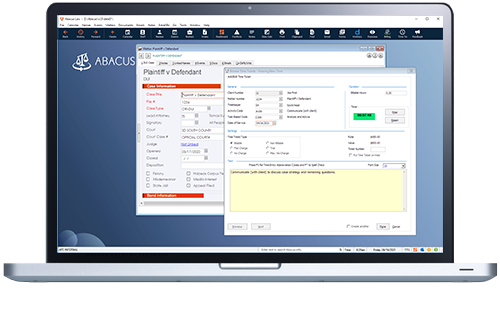
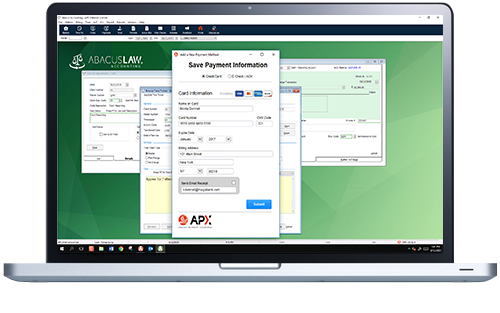
AbacusLaw Gold - Practice management with integrated legal time, billing and accounting software.


Abacus Law Gold Practice Management Software with Time Billing and Accounting

AbacusLaw Gold: Time/Billing, Accounting & Practice Management

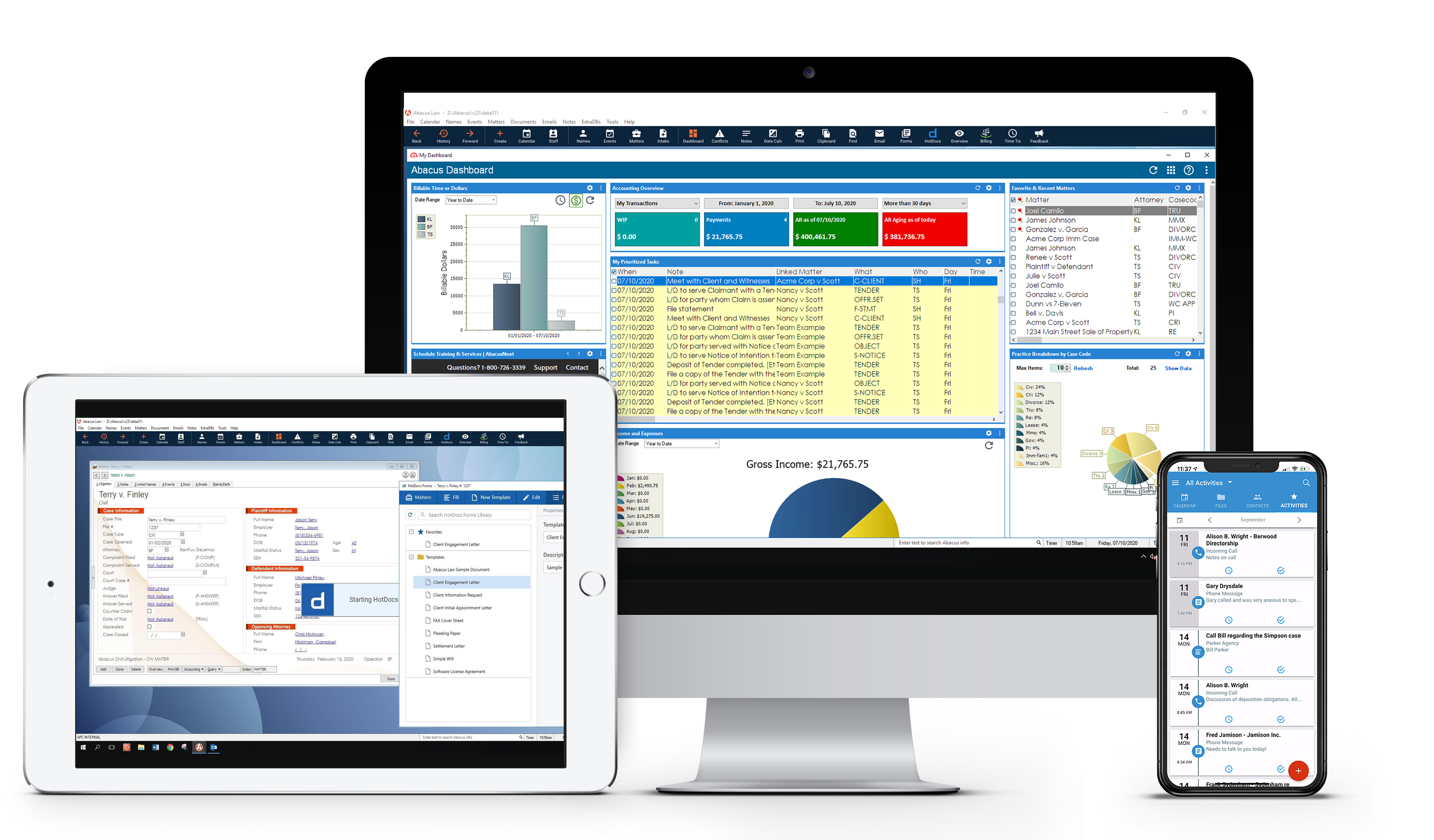
Complete law practice software designed to handle both front office (practice management) and back office (time, billing and accounting). Enter data once, use often. Click on the links below for more information on our law firm accounting software.

            AbacusLaw Features

Practice Management Time/Billing and Accounting
Case Management All in One Application
Conflicts of Interest Checking Time & Billing
Contact Management Simplified Billing
Document Control Advanced Reporting Features
E-mail Faster Accounting
File Control Accounting General Ledger
Instant Messaging Accounts Payable
Legal Calendaring Trust Accounting
Malpractice Alert Report Payroll
Matter Management Sample Reports
PDA synchronization Samples Invoices
Phone Messages  

"AbacusLaw Gold gives me the ability to use one program instead of three for practice management, time/billing, and accounting. I am particularly impressed with its ease of use, integration with AbacusLaw, tracking of timekeepers, and splitting of payments capabilities." (James R. Kretschmer - Garwood, TX)


AbacusLaw Gold - BackOffice Features

AbacusLaw Gold - Law firm accounting software with Time, Billing, and Accounting. Finally you can replace your Quickbooks, Phoneslips, Timeslips and Outlook and use just one program to run your entire law office. AbacusLaw Gold is the ultimate front office and back office practice management system. Integrated time and billing, trust accounting, accounts receivable, accounts payable, and payroll are all included, with direct support from Abacus.

If you already use AbacusLaw you will find AbacusLaw Gold BackOffice just as easy and user friendly. If you have never used an Abacus product you will be pleasantly surprised by the ease of use and the simple learning curve that is synonymous with all of our products.

More information on AbacusLaw Gold BackOffice            Top


Simplify your legal billing!

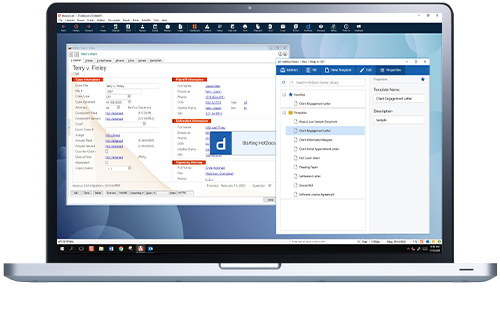
AbacusLaw Gold - Time, Billing, and Accounting Software - simplify legal billingKeep track of your time and bill for it accurately and easily. Enter time into AbacusLaw or into Abacus BackOffice its up to you. Adding a record in AbacusLaw instantly updates Abacus BackOffice and vice versa so you don't have to enter data more than once ever again.

More Information on Legal Time and Billing            Top


Speed up your accounting!

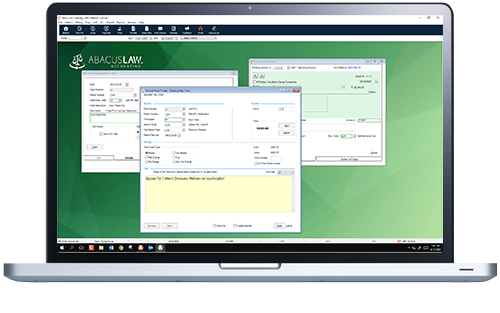
Trust Accounting, click to enlarge image.Abacus accounting Features aren't just another add-on or supplement to AbacusLaw, They are a complete time, billing and accounting software. What does that mean? It means that Abacus BackOffice incorporates ALL of the features you would expect from a time and billing program PLUS a powerful Accounting system.You can even keep track of your employees billable time and do your payroll all from the same powerful system.

Powerful and expandable trust accounting features make AbacusLAw ideal for estate planning practices.

More information on AbacusLaw Gold Accounting             Top


Advanced reporting features.

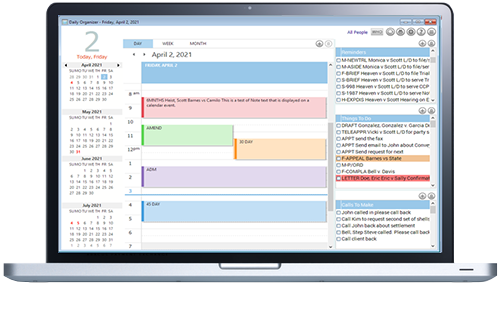
Abacus BackOffice includes hundreds of pre-designed reports so you don't have to spend time creating your own. Easy select the information you need and print it to the screen, to a file, or to your printer easily and quickly. You can also customize the way your reports look so you only get the information that is important to you.

View samples of different reports you can generate

Purchase AbacusLaw Gold - Law Software online             Top


AbacusLaw Gold - accounts payable

Finally you can replace your Quickbooks, Phoneslips, Timeslips and Outlook and use just one program to run your entire law office. AbacusLaw Gold is the ultimate front office and back office practice management system. Integrated time and billing, trust accounting, accounts receivable, accounts payable, and payroll are all included, with direct support from Abacus.

If you already use AbacusLaw you will find AbacusLaw Gold BackOffice just as easy and user friendly. If you have never used an Abacus product you will be pleasantly surprised by the ease of use and the simple learning curve that is synonymous with all of our products.

Top


AbacusLaw Gold Time Billing and Accounting Software in Action!

The best way to describe how AbacusLaw Gold practice management software can work for you is to give you an example. So picture the following:

You manage the law firm of Anderson, Bascombe, and Clark (ABC). On March 1, your firm took on their first (and, for this example, only) matter -- a patent infringement matter for Xtrafine Yard goods and Z ippers, Inc. (XYZ). XYZ is to be billed at the end of each month until the matter is closed. The personnel from your firm who will be handling the matter are Joanne Brown – responsible attorney, Chris Umber – paralegal, and Nola Gray – researchers. Your firm has also hired Peter Sienna, a yard goods specialist, as a consultant and you will use CCC Printing to photocopy the exhibits.

First, you set up XYZ as a client, patent infringement as a matter, Peter Sienna as a vendor, and CCC Printing as a vendor. Joanne, Chris, and Nola are already set up in your system as timekeepers.

As Joanne, Chris, and Nola work on this matter, they record their time by simply clicking the bill button in AbacusLaw from any note or event linked to this particular matter. They can also record time by clicking the bill button from the linked events screen on any name related to this case. As invoices arrive from Peter and CCC Printing, you enter them in Accounts Payable and as a billable item for XYZ. At the end of March, you use the Print Prebills function to preview the information before printing their bill. When you activate this function, the program searches for all time tickets with the XYZ client code and patent infringement matter number. It locates all the time tickets entered by Joanne, Chris, and Nola and calculates their hours. Since Joanne, Chris, and Nola are billed at different rates, the program multiplies their hours by their billing rates to calculate the total billable hour’s amount. It then locates any other billable costs to be added to the bill. In this search, the amount billed for Peter and CCC Printing would be found. With all the calculations done, the system generates a prebill that shows the client billing address information and the hours billed along with the costs owed. (If you have set up your system to calculate a percentage of the billed time as administrative overhead, the program will perform that calculation and include that amount on the prebill.)

After you review the prebill and find everything is correct, you then activate the Print Bills function. The program will then print the bill for XYZ. It will also, when you post this bill, update the client’s ledger (and all tables in the database that are affected by this transaction).

When you receive payment from XYZ, you enter the payment on the XYZ account. The program will update XYZ’s account and your General Ledger.

Now that your firm has money to pay Peter and CCC Printing, you activate the Print Check function in Accounts Payable and print the checks for Peter and CCC Printing. The system will then update your accounts payable and general ledger tables in the database.

With a small number of entries, a few keystrokes, and very little time, you have completed all the financial transactions for this client.

View samples of different invoices you can generate

Get a free, custom quote for your firm.

Top


Your Next Step

Select one of the following:

Home | Products | Company | Privacy Policy | Contact Us | Sitemap
Abacus Data Systems, Inc. · 9191 Towne Centre Dr. Suite 180 · San Diego, CA 92122 · Tel 858-452-4280· Fax 858-452-2073
© 2008 Abacus Data Systems, Inc. All rights reserved.